Athene Docs › iPad & iPhone Duo
iPad & iPhone Duo
Athene is one app for iPhone, iPad and iPhone Duo, and lays itself out for each.
iPad
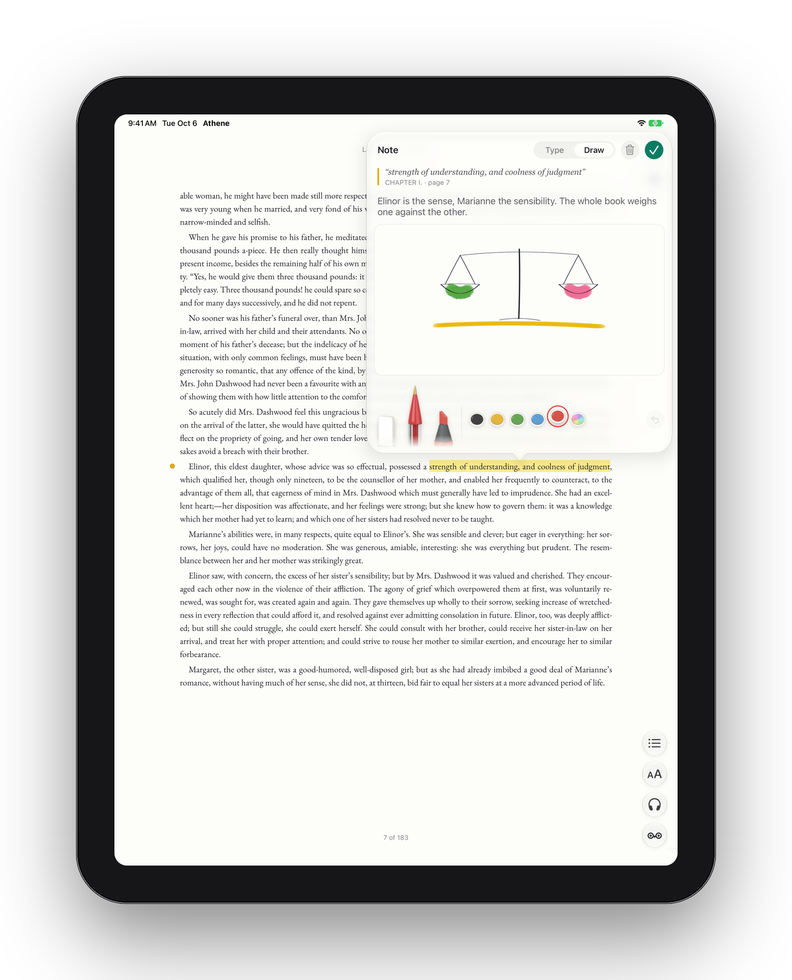
- The tabs sit across the top of the screen.
- Held sideways, a book shows two pages side by side, and from iOS 27 so does a PDF.
- Aa, Contents, Listen and the Owl open beside their buttons rather than over the page, so the book stays in view.
- A note opens beside its passage, or on the facing page when two are showing.
- The Notebook spreads into two columns.
Keyboard and trackpad
With a keyboard, →, ↓ and Page Down turn to the next page of a book, and ←, ↑ and Page Up to the one before. On a trackpad, swipe two fingers across the page. Keys don’t turn the page while you’re typing a note or a search.
Apple Pencil
Apple Pencil draws in a note and writes straight onto a PDF’s page; in a typed note, Scribble turns your handwriting into text. Once you’ve used the Pencil, a finger turns pages and scrolls rather than drawing. Double-tap or squeeze it for the action you’ve chosen in iPadOS. See Drawing and Drawing on the page.
iPhone Duo
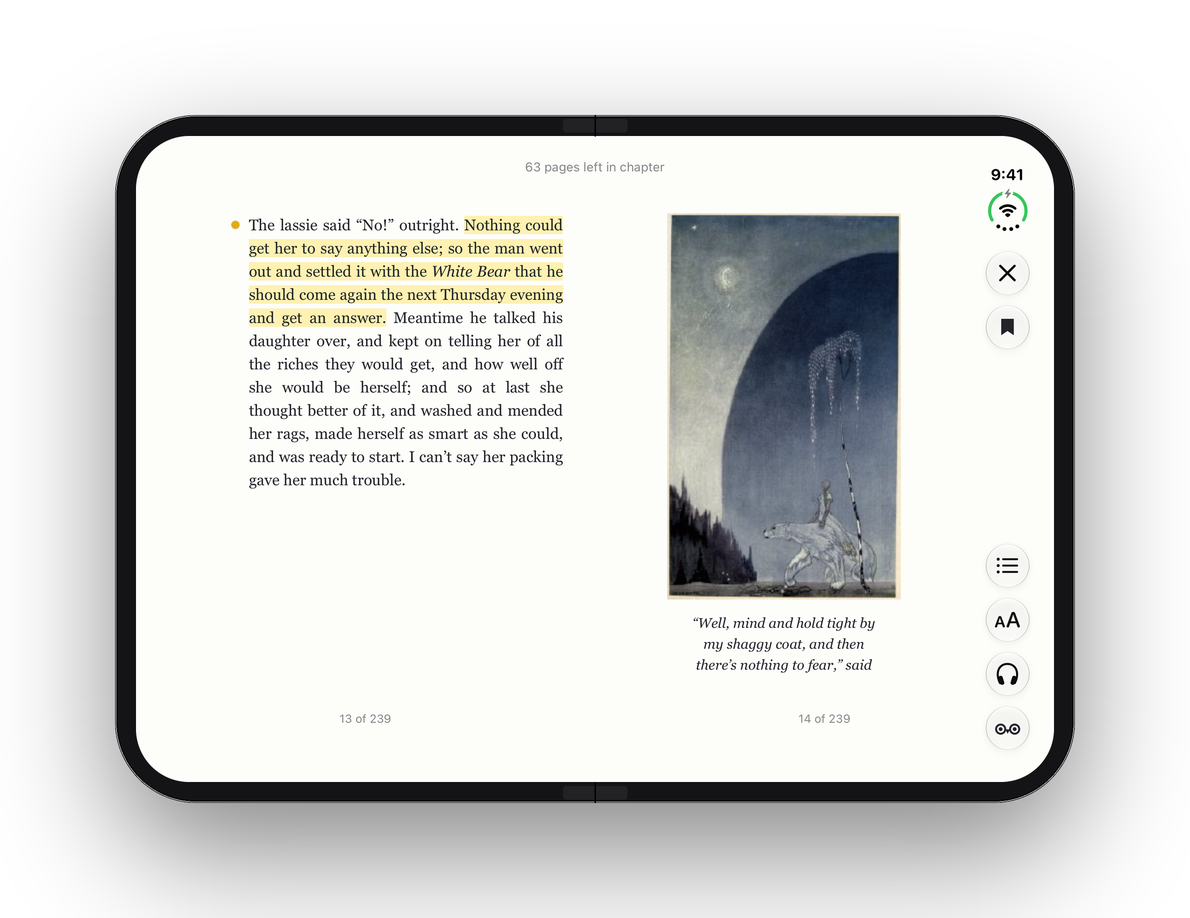
On iPhone Duo with iOS 27.1 or later, Athene follows the fold.
Open flat
A book lies across the fold as two facing pages, with the reader’s buttons in a strip at the side: ✕ and the bookmark at its head, Contents, Aa, Listen and the Owl at its foot. A note opens on the page facing its passage, and the Notebook puts your list and the open book on either side of the fold. A PDF shows a page on each side.
Half open, standing up
With a book open (not a PDF), stand the Duo up half open, like a small laptop, and the page sits on the top half. The bottom half holds large buttons for the page before and after, and Listen, with a row for Contents, Aa, the listening speed, the bookmark and ✕. A note opens below the page. The Owl isn’t offered while the Duo stands like this.
Closed
Closed, the outer screen reads like any iPhone. Two switches in Settings › Extras, under iPhone Duo, work with it shut:
- Cover When Folded: set the Duo down shut with a book open, and after a few seconds lying flat and still, the screen shows the book’s cover and how far you’ve read. Pick it up, open it or touch it to go back to your page.
- While Charging: keeps the cover showing while the Duo charges, like a photo frame. Otherwise it dims and locks as usual.
Written for Athene 3.4. Something here wrong, or missing? Write to athene@theadipost.com.